

If your Monero wallet balance is suddenly showing zero, missing a recent transaction, or stuck endlessly on “Syncing,” take a deep breath. Your crypto is not stolen, and your funds are not gone.
Monero wallets do not actually store coins locally; they are essentially “viewers” that scan the blockchain for your encrypted outputs. If you are experiencing a monero wallet balance not updating issue, the cause is 100% related to your connection. Your wallet is simply out of sync with the network, reading a stalled remote node, or using an incorrect restore height.
In this guide, we will give you the exact 60-second fixes to clear corrupted caches, switch to healthy nodes, and restore your true balance immediately.
Common causes | Why Monero Wallet Balance Is not Updating?
If your Monero wallet isn’t showing your balance or recent transactions, you’re not alone.
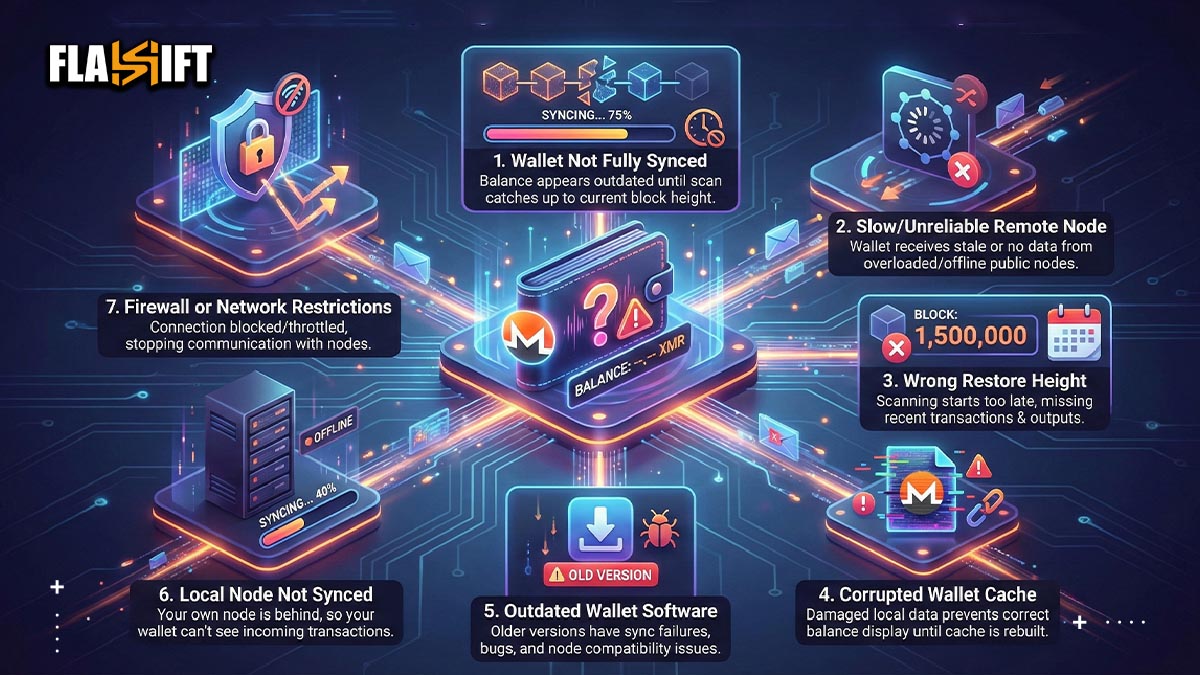
This issue usually comes down to connection problems, sync delays, or the wallet reading outdated data. Here are some of the common reasons:
- Wallet Not Fully Synced
One of the most common reasons for a monero wallet not showing the correct balance is simple: the wallet hasn’t fully scanned the blockchain. If the sync is even slightly behind, your incoming outputs won’t appear, and the balance will look outdated.
- Slow or Unreliable Remote Node
If you’re connected to a remote node that’s overloaded, offline, or lagging behind the network, your wallet won’t receive the data it needs. A bad node connection can make your wallet look empty even when your funds are intact.
- Wrong Restore Height
When restoring a wallet from seed, using the wrong restore height forces the wallet to scan the wrong part of the blockchain. As a result, it may skip the blocks where your transactions actually are, making the balance look missing.
- Corrupted Wallet Cache
A damaged or outdated cache file can cause the interface to display partial or incorrect information. The funds are still there, but the wallet can’t read its own saved data properly until the cache is rebuilt.
- Outdated Wallet Software
Running an older version of the Monero GUI or CLI can lead to sync failures, node compatibility issues, or bugs that prevent your balance from updating. Updating the software often resolves this instantly.
- Local Node Not Synced
If you run your own local node but it hasn’t finished syncing with the network, your wallet won’t be able to detect incoming transactions. Monero relies heavily on the node’s accuracy, so any lag shows up directly in your balance.
- Firewall or Network Restrictions
In some cases, your connection may be blocked or throttled, preventing the wallet from communicating with nodes. This usually results in stalled sync and a blank or outdated balance.
How Nodes Sync in Monero Blockchain
A common question is: how long does Monero take to sync? The answer depends entirely on your setup:
- Using a Remote Node (Recommended for quick fixes): Since you are not downloading the entire blockchain, syncing your wallet balance should only take 2 to 10 minutes, depending on your internet speed and the node’s server health.
- Running a Local Node (Full Download): If you are downloading the entire 150GB+ Monero blockchain to your hard drive, it can take anywhere from 12 hours to several days, depending on whether you are using an SSD or HDD.
🛑 Can a Wallet Show the Wrong Balance in Monero?
Yes, absolutely. If you are wondering can a wallet show the wrong balance monero, the answer lies in the network height. If the current Monero blockchain is at block 3,200,000, but your wallet has only scanned up to block 3,190,000, it will be completely blind to any incoming transactions in those missing 10,000 blocks.
Your balance will look incorrect or display as 0.0000 XMR until the wallet finishes scanning the absolute latest block.
Monero Remote Nodes Explained
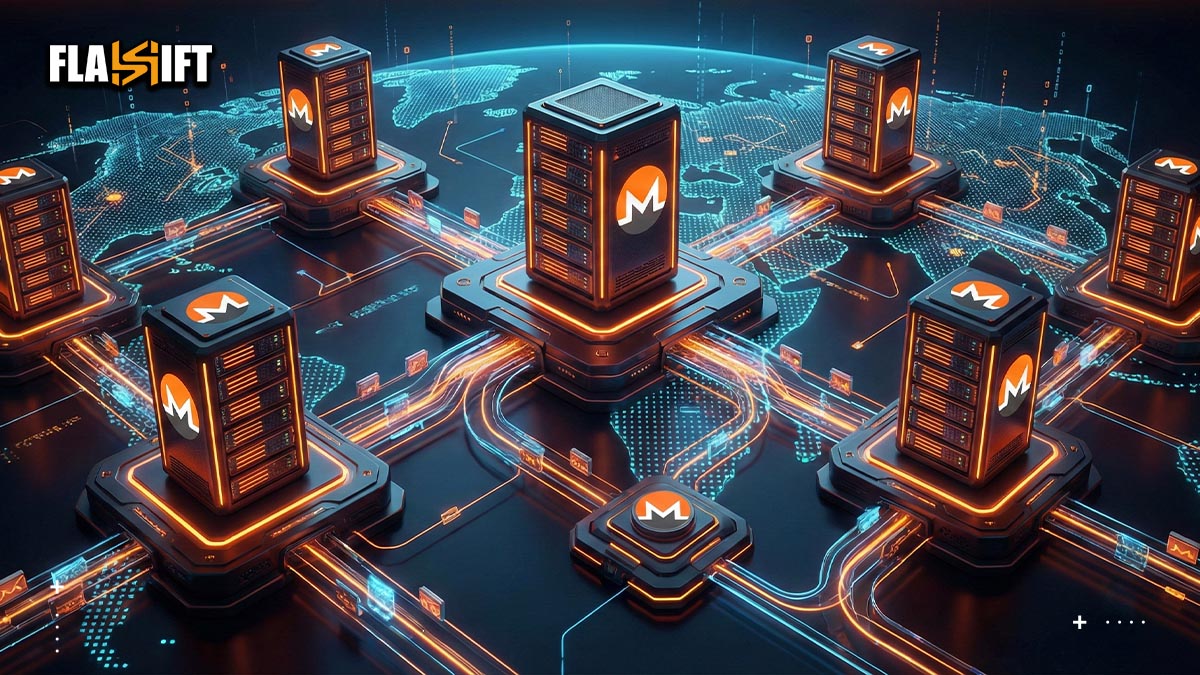
A remote node is basically someone else’s Monero node that your wallet connects to instead of running one on your own machine. It’s a convenient shortcut — no heavy downloads, no long sync times, no constant CPU load. You open your wallet, it talks to a remote node, and in theory everything just works. But this convenience comes with a catch: you’re depending on that external node to be fast, up-to-date, and fully synced. And when it isn’t, that’s when you often see your monero wallet not showing the correct balance.
A remote node acts like a middleman. Your wallet asks it, “What’s the latest block? Do you see any transactions for me? Are we caught up?” If the node is behind or overloaded, your wallet gets stale data — or no data at all. The wallet itself might be perfectly fine, but it can only display what the node reports. That’s why remote nodes are one of the most common sources of missing balances, stuck sync bars, and transactions that look like they’ve vanished.
Another thing most people don’t realize: not all public nodes are maintained seriously. Some run on slow servers, some go offline randomly, and some lag hundreds of blocks behind during network congestion. When you connect to one of those, your wallet behaves strangely because the node is struggling in the background.
A good remote node, on the other hand, feels almost invisible. Your wallet syncs smoothly, transactions pop up quickly, and everything stays consistent. That’s the experience people expect; but it depends entirely on choosing a reliable node, not just the first one in the list.
How to Rescan Your Monero Wallet
When your balance looks off (the classic monero wallet not showing issue) a full rescan is usually the quickest way to force your wallet to rebuild its view of the blockchain. A rescan doesn’t touch your funds. It simply tells the wallet, “Forget whatever you think you know — start fresh and look for all my transactions again.” Here’s how to do it depending on your setup:
Monero GUI (Desktop Wallet)
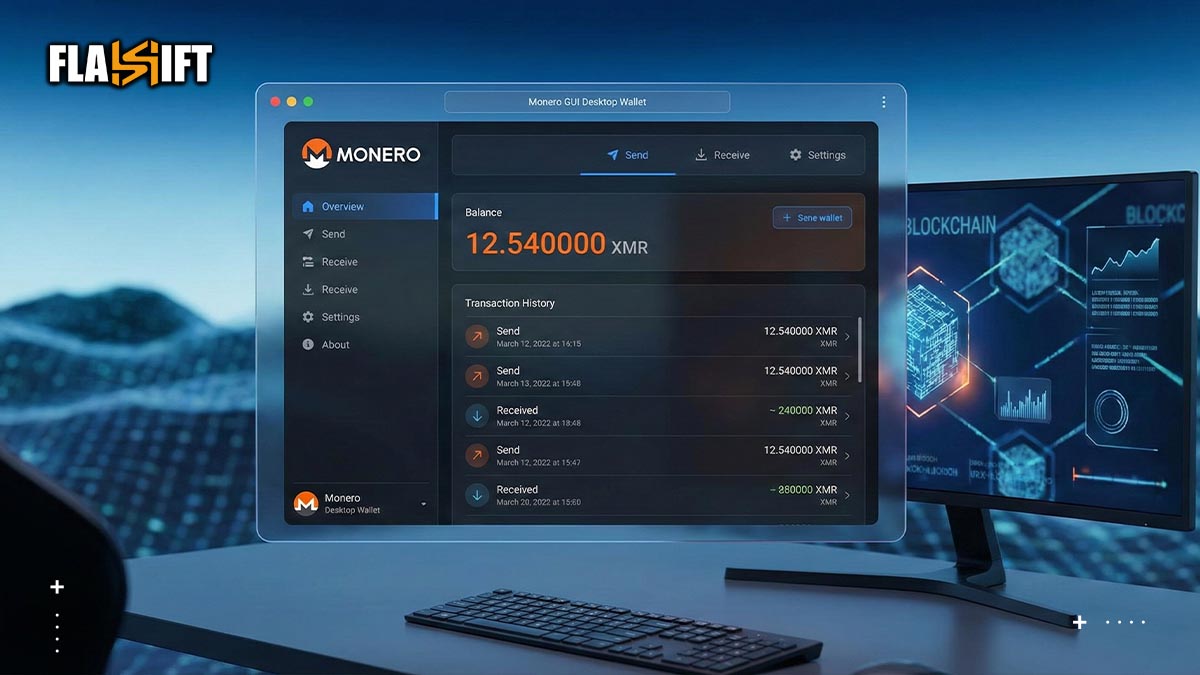
- Close the wallet completely: Not minimized, fully closed.
- Find your wallet folder: Inside it, you’ll see files like:
walletname.keys
walletname
walletname.address.txt
walletname.cache
- Delete the .Cach file: This is the file that stores your local transaction history and balance.
Note: Do NOT delete your .keys fileThat’s your wallet.
- Reopen the wallet: The GUI will rebuild the cache from scratch and start rescanning the blockchain from the restore height.
- Wait for the full scan to finish: As it progresses, your real balance should reappear.
Monero CLI (Command Line Wallet)
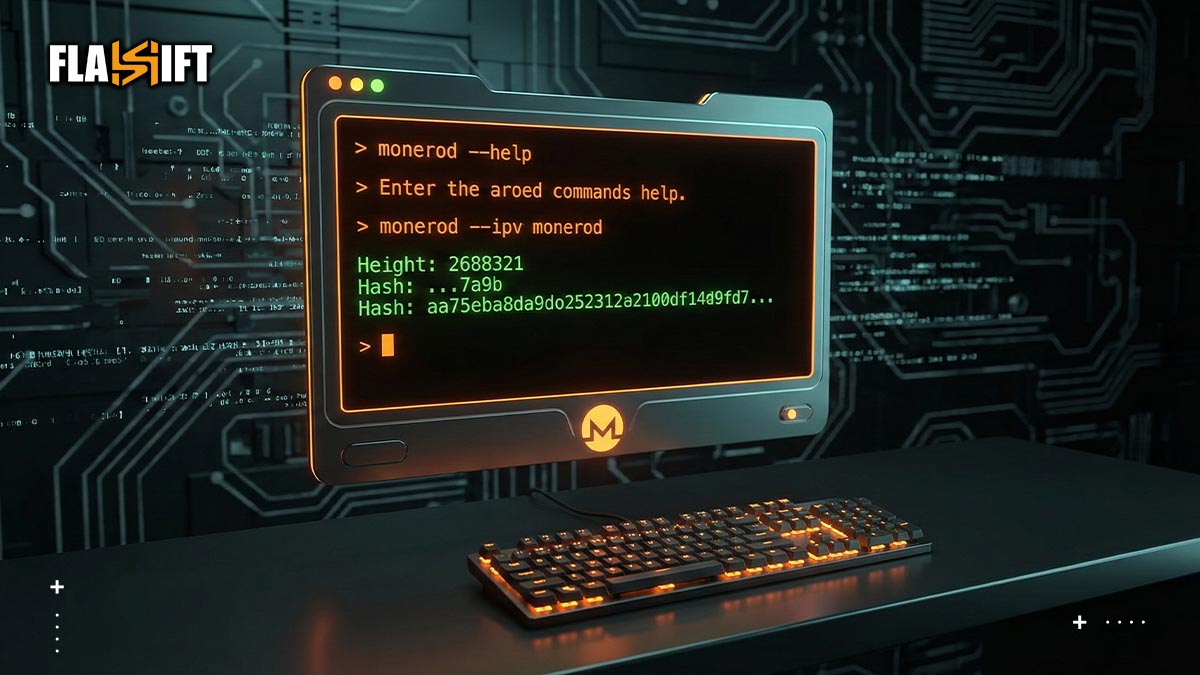
If you’re using the CLI:
- Open your terminal and start the wallet with: monero-wallet-cli –wallet-file yourwalletname
- Once inside, run: rescan_bc
- The wallet will wipe its cached view and begin scanning the entire chain again.
- When it completes, your correct balance should show up.
Feather Wallet
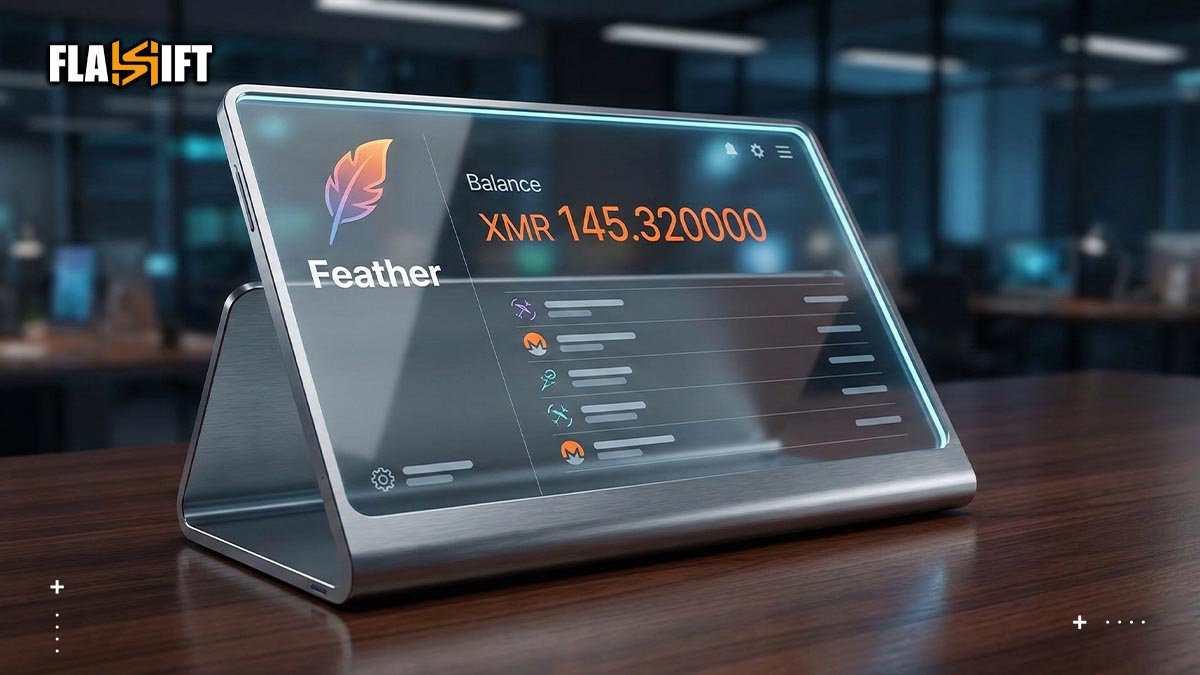
- Open Feather → Go to Tools.
- Select Rescan wallet balance (or Rescan spent outputs, depending on the issue).
- The wallet will rebuild its state automatically.
When Should You Rescan?
A rescan is useful when:
- transactions appear missing
- your balance freezes after a transfer
- you changed your restore height
- your remote node was unreliable
- your wallet looks “empty” after switching devices
In all of these cases, rescanning is harmless — just time-consuming — but it often resolves the “my wallet looks wrong” problem instantly.
Quick Fix Checklist for Common Problems
If your monero wallet not showing the right balance is starting to make you nervous, slow down for a second and run through this short list. Most issues clear up faster than you think.
- Make sure the wallet is actually synced.
Glance at the sync bar. If it’s still catching up with the chain, your balance won’t be accurate yet. Let it finish.
- Try a different remote node.
A sluggish or overloaded node can make your wallet look empty. Switching to a faster, more reliable node usually fixes things instantly.
- Update the wallet software.
If you’re on an older version, quirks and sync bugs can pop up. Install the latest release and reopen the wallet.
- Double-check the restore height.
If you restored from seed and used the wrong height, the wallet might be scanning the wrong era of the blockchain. Adjust it and rescan.
- Rebuild the wallet cache.
Sometimes the cache just gets messy. Rebuilding it forces the wallet to pull fresh data and often brings the balance back in line.
- Restart the wallet — and your connection.
A quick restart can clear node timeouts or dropped connections that happened in the background.
- If you use a local node, confirm it’s fully synced.
Your wallet only sees what your node sees. If the node is behind, your balance will look behind too.
- Check for anything blocking traffic.
Firewalls, strict routers, or certain VPN setups can interrupt node communication. Temporarily disable them and try again.
⚡ Next Steps: Secure Your Restored Liquidity
Seeing your true Monero balance restored brings instant relief. However, managing privacy coins requires constant vigilance. If your ultimate goal is to move, swap, or take profit on your XMR, sending it directly to a centralized exchange (CEX) exposes you to random KYC freezes or withdrawal holds, putting you right back into a state of panic.
🛡️ Sovereign Swap Execution: Do not risk your newly synced assets on restrictive platforms. By utilizing Flashift’s non-custodial co-aggregation terminal, you can convert your XMR into USDT, BTC, or ETH instantly. Our engine cross-matches top liquidity pools, allowing you to execute anonymous, wallet-to-wallet swaps in under 3 minutes—with zero accounts, zero data logging, and absolute financial sovereignty.
FAQ
- Why does my Monero wallet show zero even though the transaction is confirmed on the explorer?
This usually happens when your wallet synced before the transaction hit the blockchain and hasn’t refreshed since. Monero wallets don’t constantly rescan the chain on their own. If the node is behind (or the cache got messy) your balance can look like it never updated. A manual rescanning or switching to a healthier node usually brings the transaction back into view.
- Can a wrong restore height cause only some transactions to disappear, not all?
Yes. A lot of people think a wrong restore height makes the entire wallet look empty, but the more common scenario is that older transactions appear fine while newer ones vanish. That’s because the wallet started scanning too late and simply skipped the blocks containing your recent outputs.
- Why does my wallet sync fast at first but crawl painfully near the end?
That slowdown is normal. In the early phase, the node downloads large batches of historical blocks quickly. Near the tip of the chain, the wallet switches from bulk syncing to real-time validation, which involves verifying cryptographic proofs one block at a time. It’s slower, but it’s also the moment the wallet becomes accurate.
- Can a remote node show the wrong balance even if the wallet itself is fine?
Absolutely. This is one of the biggest reasons behind the classic monero wallet not showing issue. A remote node might be stuck, several hundred blocks behind, or throttled. Your wallet might be perfectly healthy. It’s just getting outdated information from the node.
- Do I lose anything by deleting the cache file and forcing a full rescan?
No. The cache file is only a local “shortcut” to speed things up. Deleting it doesn’t delete your funds, your keys, or the wallet itself. The only downside is time: depending on your restore height, a full rescan can take minutes or hours.
- Why does my balance update instantly on some devices but not on others?
Different devices may be using different nodes, different restore heights, or different cache states. A mobile wallet might connect to an active remote node and update quickly, while your desktop wallet might still be catching up from thousands of blocks behind. Same seed, same funds (different sync conditions).